

Compare product pricing by uploading your supplier’s invoice
We want to prove that we will give you the best prices and the best solutions. Compare our competitor’s product pricing against ours by uploading your supplier’s invoice and get the most out of DF Dental Solutions.
Instructions
1. Upload Your Files
To receive the most accurate savings estimate, upload up to 20 purchase-related files from the past 12 months. You can include:
PDFs or images (.jpeg, .png) of invoices, purchase orders, purchase history reports, or shopping carts from any dealer.
Product lists in .csv or .xlsx format (use our template for best results). Click the info icon (i) located on the 1st step to download the template.
2 . Fill in Your Company Information
Complete all required fields, and fill in as many optional fields as possible to improve accuracy.
If you’re an existing customer, you may need to follow a secure link sent to your email to continue the process (make sure to check your spam).
3. View Estimated Savings
Click “Generate” to begin processing your data.
Our system will analyze your files and display an Estimated Savings Amount on screen. This may take a few minutes, depending on the size and number of files.
4. Receive Full Report
Our team will review your submission and follow up with a detailed savings report and next steps.
Most Popular Products
-
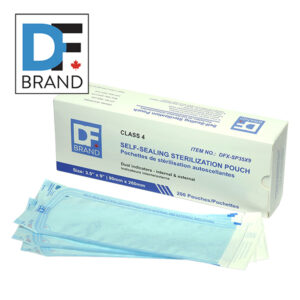
DF Brand Class 4 Sterilization Pouches
Price range: $8.99 through $32.99 -
Sale!
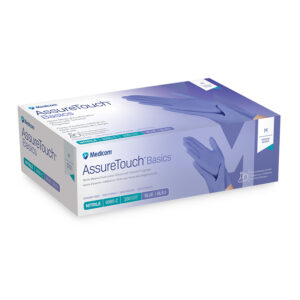
Medicom Assuretouch Basics
Original price was: $11.99.$10.99Current price is: $10.99. -
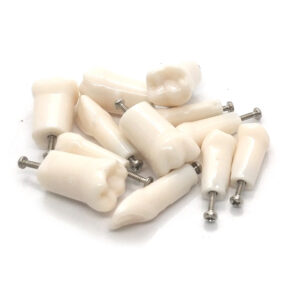
Kilgore Replacement Teeth – A5A-200 – 1pc
$2.99 -
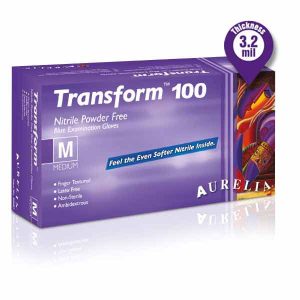
Aurelia TRANSFORM Nitrile Powder-Free Gloves – Ultra Stretch – Finger Tip Textured – Ice Blue
$9.99 -
Sale!
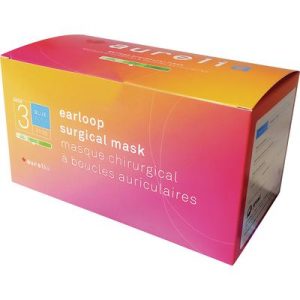
Aurelia Canadian Made Earloop Masks Level 3
Original price was: $8.49.$6.99Current price is: $6.99. -
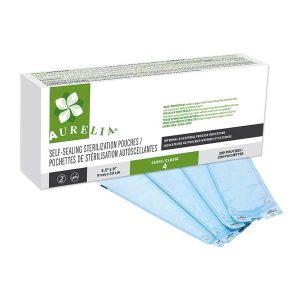
Aurelia Sterilization Pouches – Class 4
Price range: $6.99 through $24.99 -
Sale!
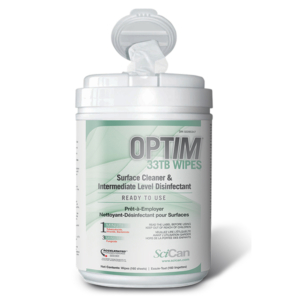
Scican Optim 33Tb Wipes
Original price was: $20.99.$19.49Current price is: $19.49. -
Sale!
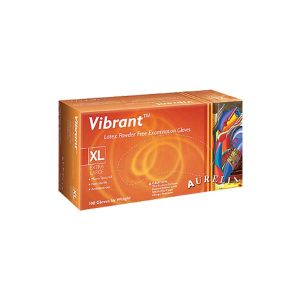
Aurelia Vibrant Latex Powder-Free Gloves – Micro Textured – Chlorinated Low Protein
Original price was: $11.99.$10.49Current price is: $10.49.
